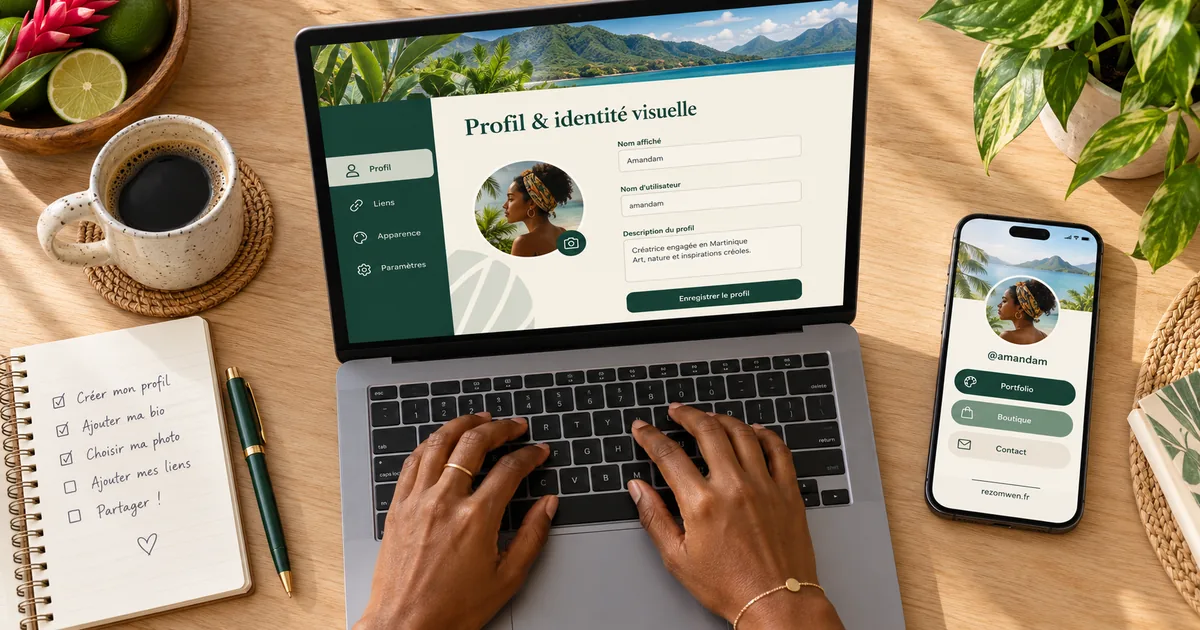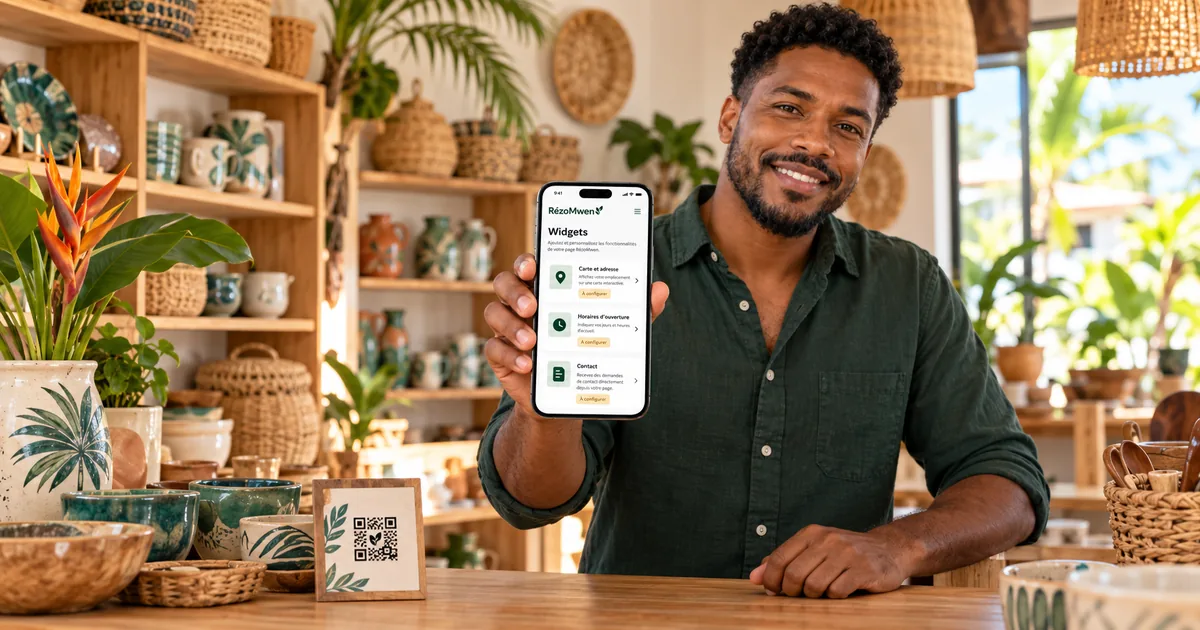
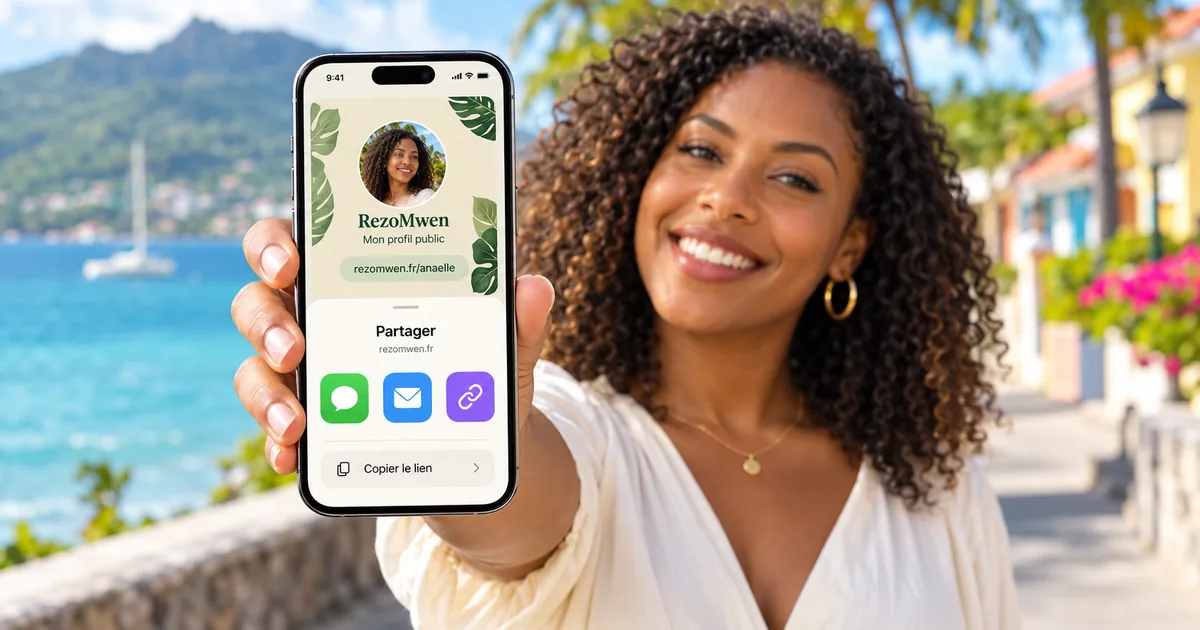
Your page is online — and if it is not yet, it takes three minutes to create. Now comes the most important part: getting it known. Each network has its own rules — what is clickable, what is not, where the field is hidden — and they are not the same on Instagram, WhatsApp and TikTok.
First: your address, bare
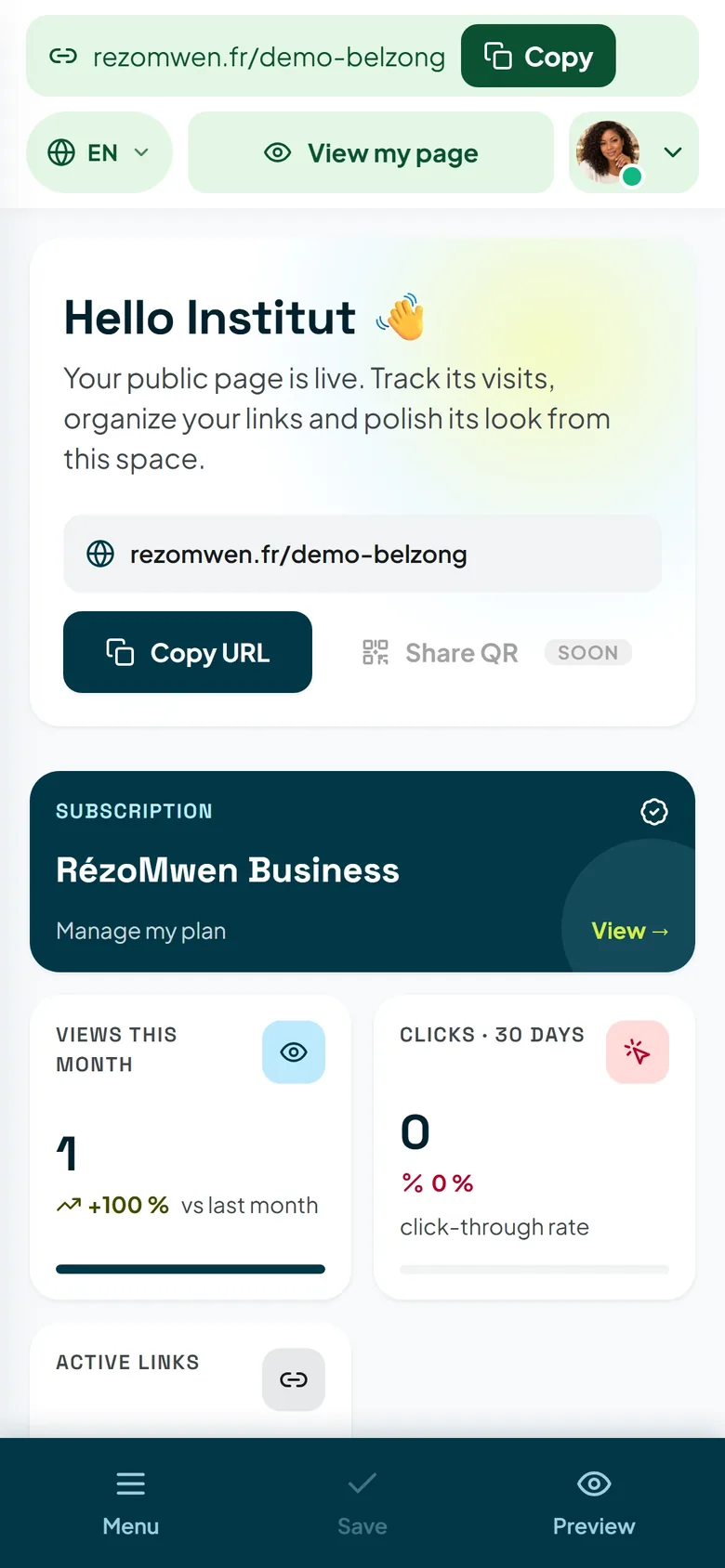
Your link is rezomwen.fr/your-name. Write it without https:// or www: it is shorter to read, to spell out and to remember, and the networks make it clickable whenever they can.
From your dashboard, the Share button copies the address; the QR code & visibility tab displays it and lets you test it as a visitor would.
Instagram: the bio, and up to five links
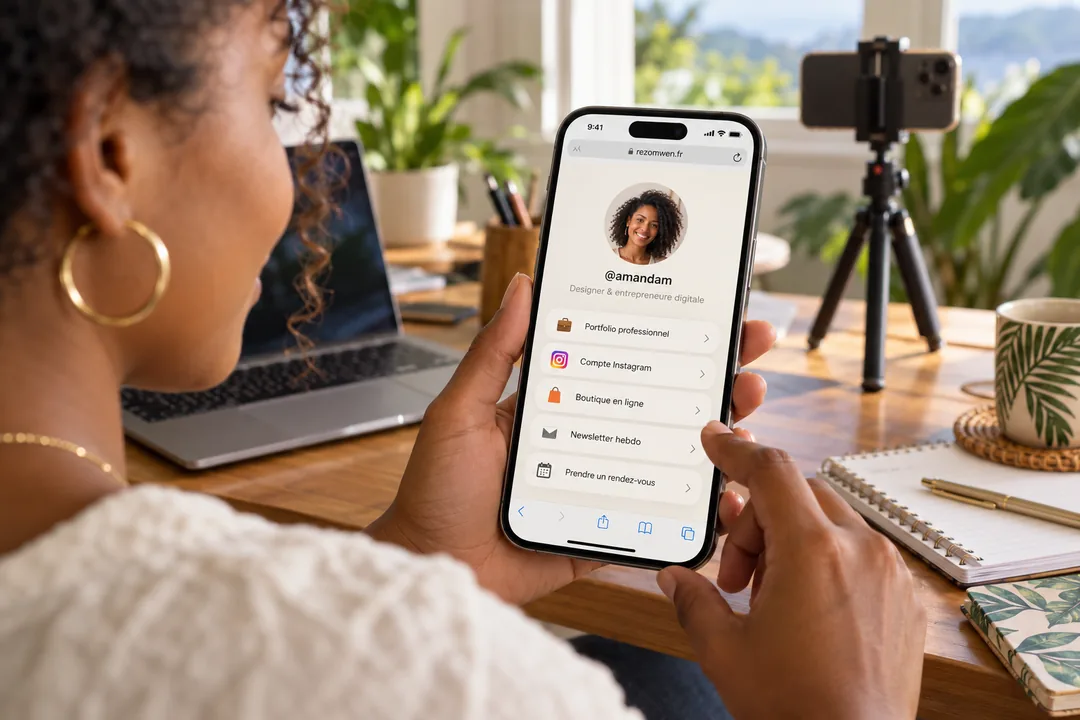
On your profile: Edit profile, then Links, then Add external link. Paste your address and give it a short title — "All my links", "Order". Instagram now accepts several links, up to five, but only the first one is shown straight away: put RézoMwen first, since it is the one that leads to all the others.
Two details that save time:
- links are edited from the mobile app; on a computer, the field is usually unavailable;
- in your stories, use the link sticker, and say it in plain words too: "the link is in my bio".
WhatsApp: it all depends on the type of account
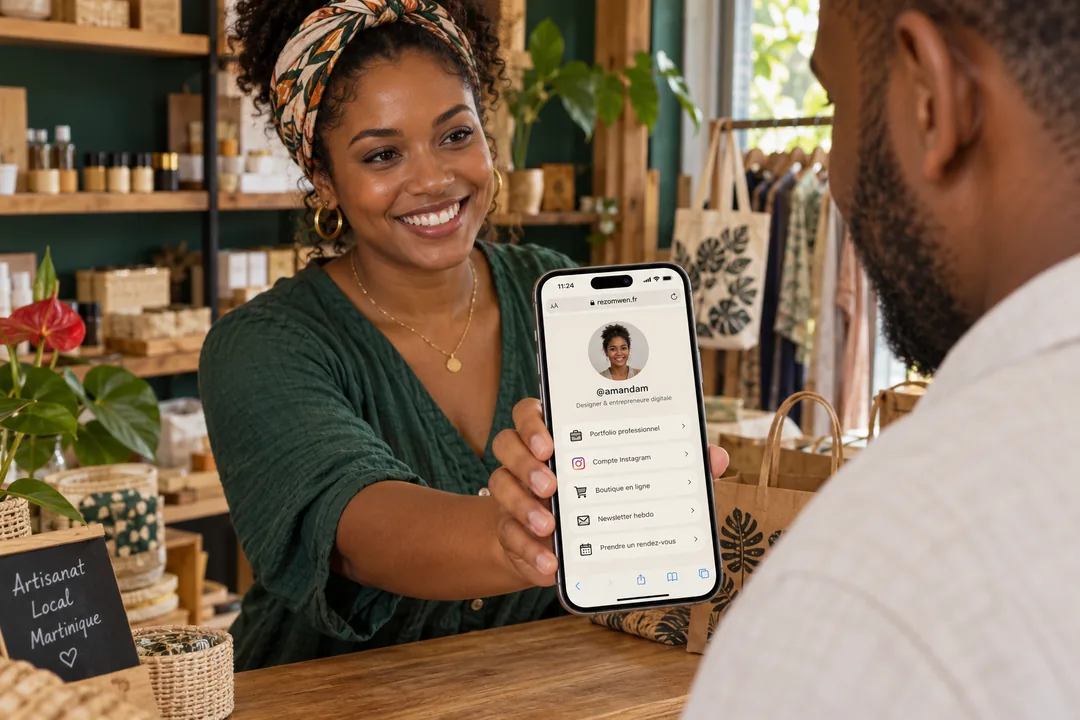
- WhatsApp Business, which is free, offers a Website field in the business profile: the link is clickable there for anyone who opens your profile. That is the best spot.
- Regular WhatsApp does not have that field. The "About" text accepts your address, but it shows up as plain text, which your contacts will have to copy by hand.
In both cases, a link sent in a message stays clickable: pin it in your groups, put it in your greeting message, and attach your QR code — on a phone, people keep it as a photo and pass it on.
TikTok: the Website field, depending on your account
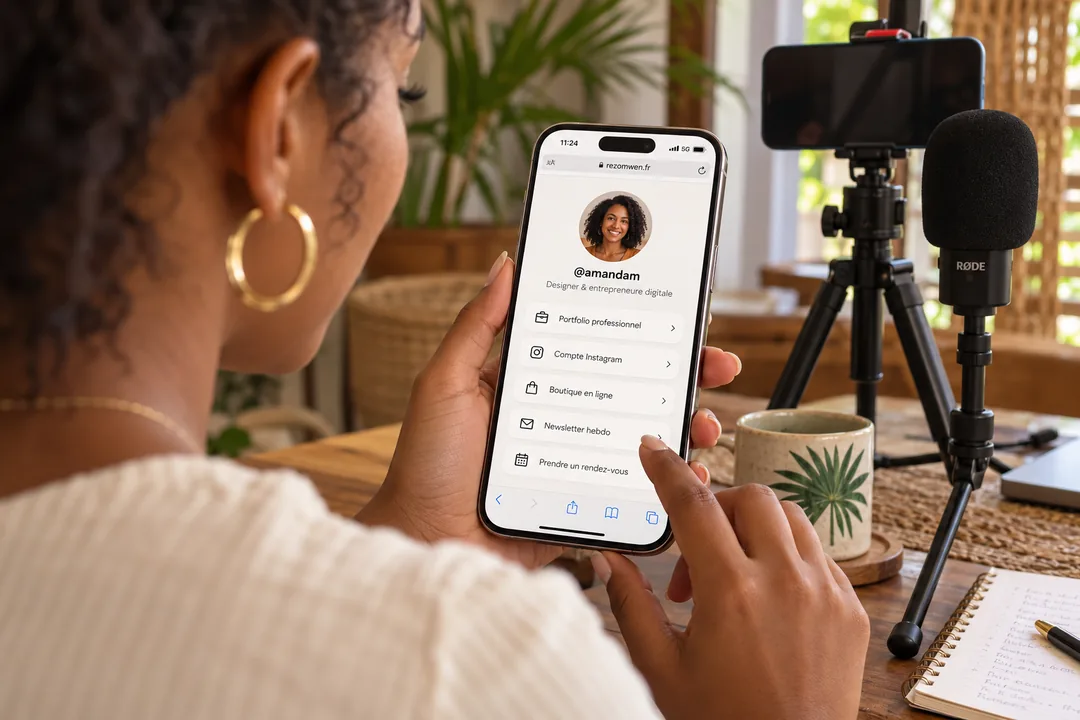
TikTok reserves the profile's Website field for certain accounts: it is available with no follower requirement for a business account, and from a certain number of followers for a personal account. It is edited from the mobile app, in Edit profile.
If the field does not show up yet:
- write your address in full in your bio (
rezomwen.fr/your-name): it will not be clickable, but it is easy to remember and to copy; - point to it from your videos — a mention on screen, a pinned comment.
Check the preview before posting
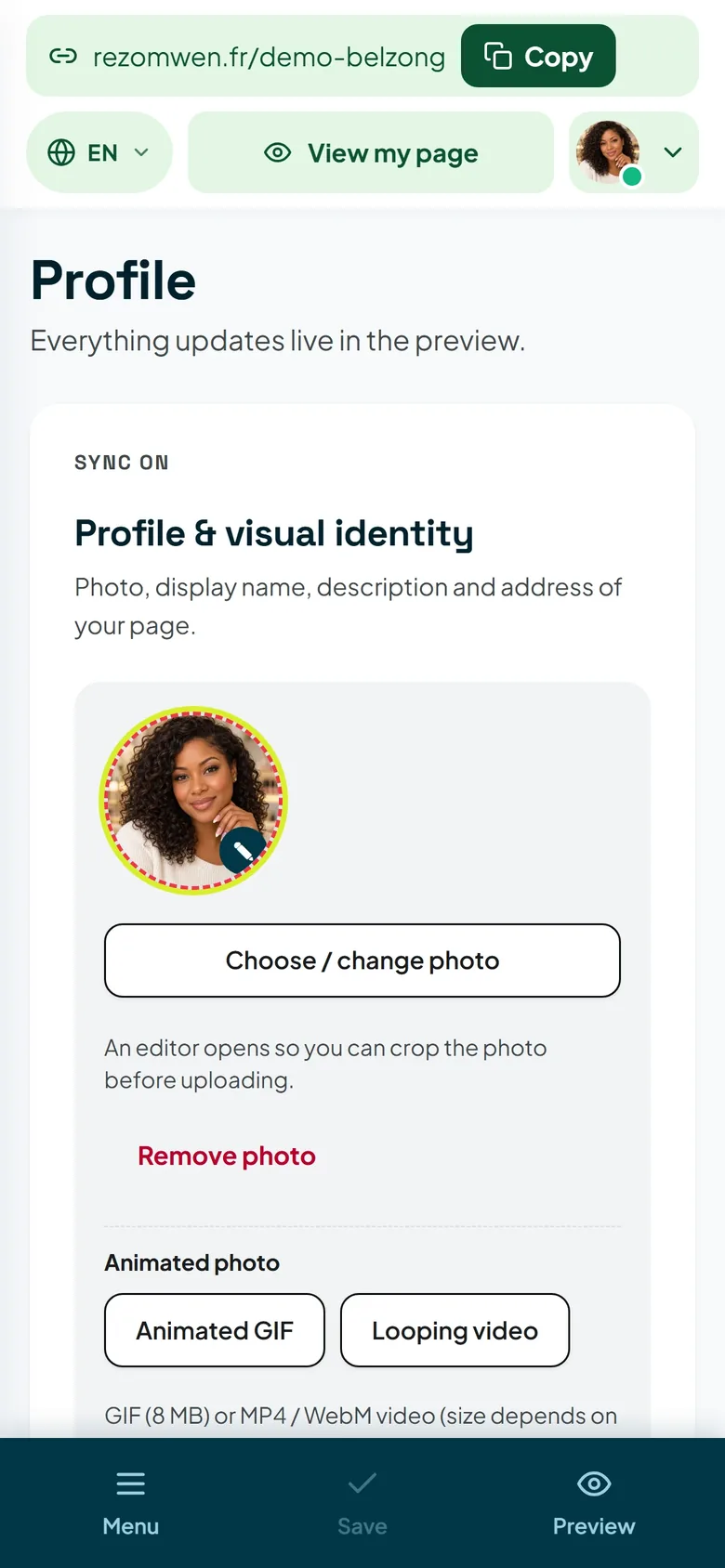
When you paste a link into a conversation or a post, the network shows a thumbnail of it. The one for your page uses your photo if you are on the Pro plan, and the site image otherwise, along with your name and your description.
The test takes ten seconds: send yourself the link in a conversation and look at what appears. If you do not like the thumbnail, change the photo or the description from the Profile tab — the preview will follow.
The QR code, for everything that is not a screen
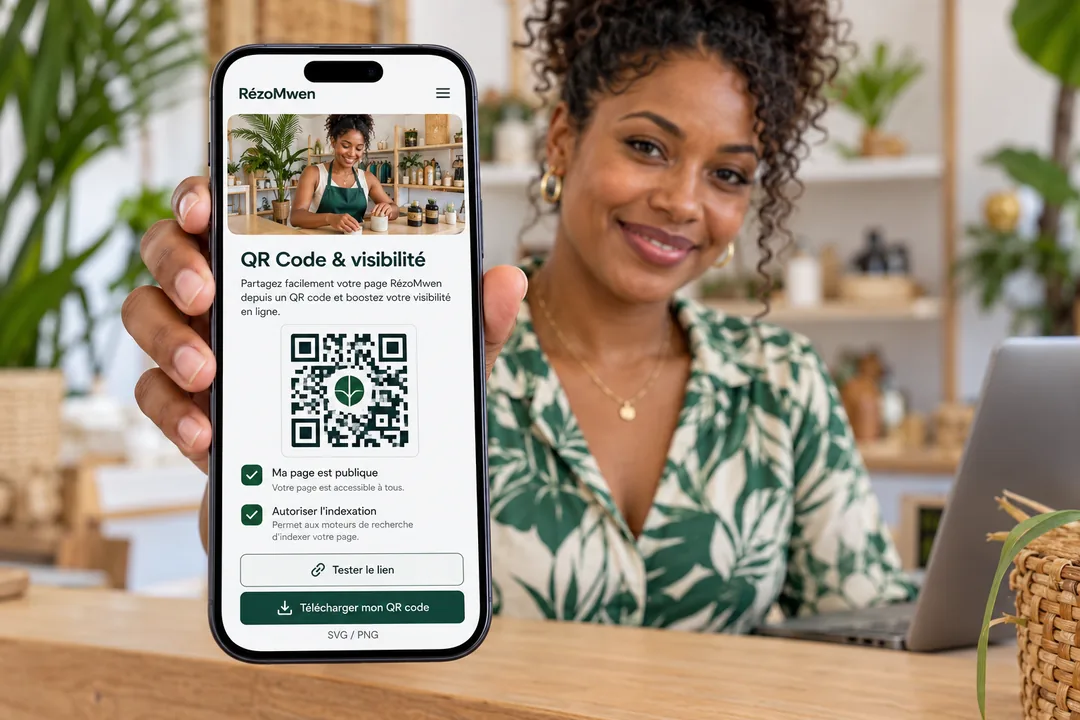
Shop window, business card, flyer, label, vehicle, T-shirt: the QR code in your dashboard can be downloaded as SVG, sharp at any size for printing, and as a 1024 × 1024 PNG for social networks and messaging apps. It points to a stable address: a QR code that has already been printed keeps leading to your page even if you change your username.
With RézoMwen Pro, you can put your logo in the middle and use your own colours — as long as you keep enough contrast, otherwise phones can no longer read the code. Your dashboard will warn you.
Measure, then adjust
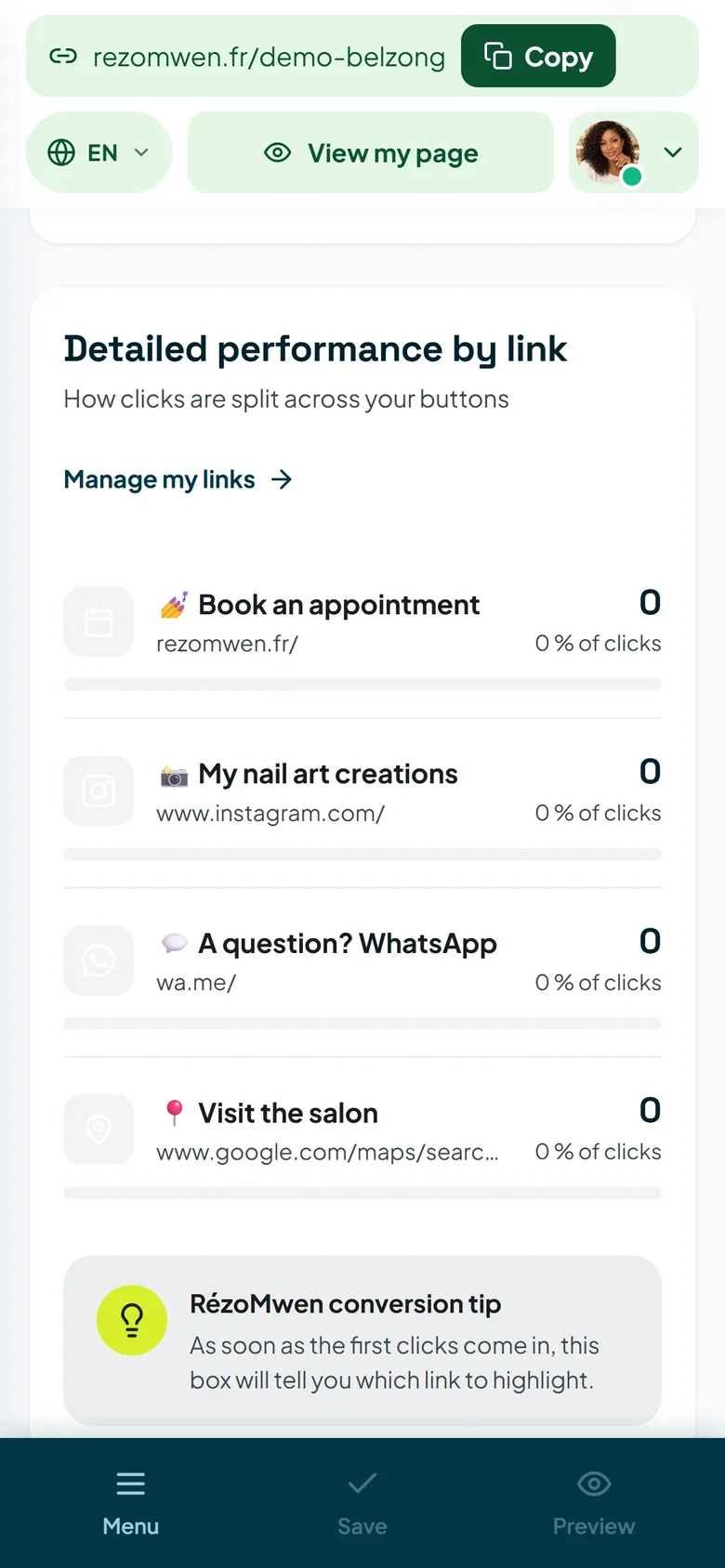
The Statistics & clicks screen shows your page visits and the clicks on each link. That is where you see what works: a link in your Instagram bio does not bring the same visits as a QR code in your shop. Two weeks of hindsight are enough to know where to focus your efforts.
The checklist
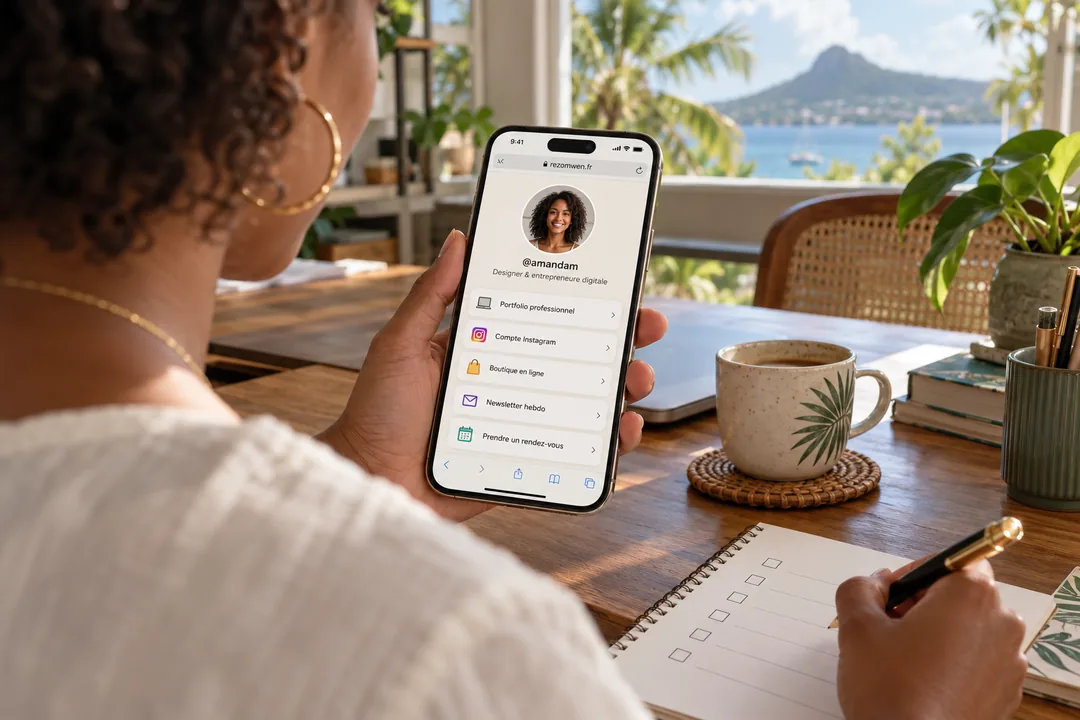
- The address copied, without
https://. - Instagram: first link in the bio, from the mobile app.
- WhatsApp: Website field of the Business account, or greeting message.
- TikTok: Website field if you have it, otherwise the address as text in the bio.
- The preview checked by sending yourself the link.
- The QR code printed wherever your customers pass by.
Network screens change often: if a label no longer matches what you see, look for "link" or "website" in your profile settings. That is always where it happens.