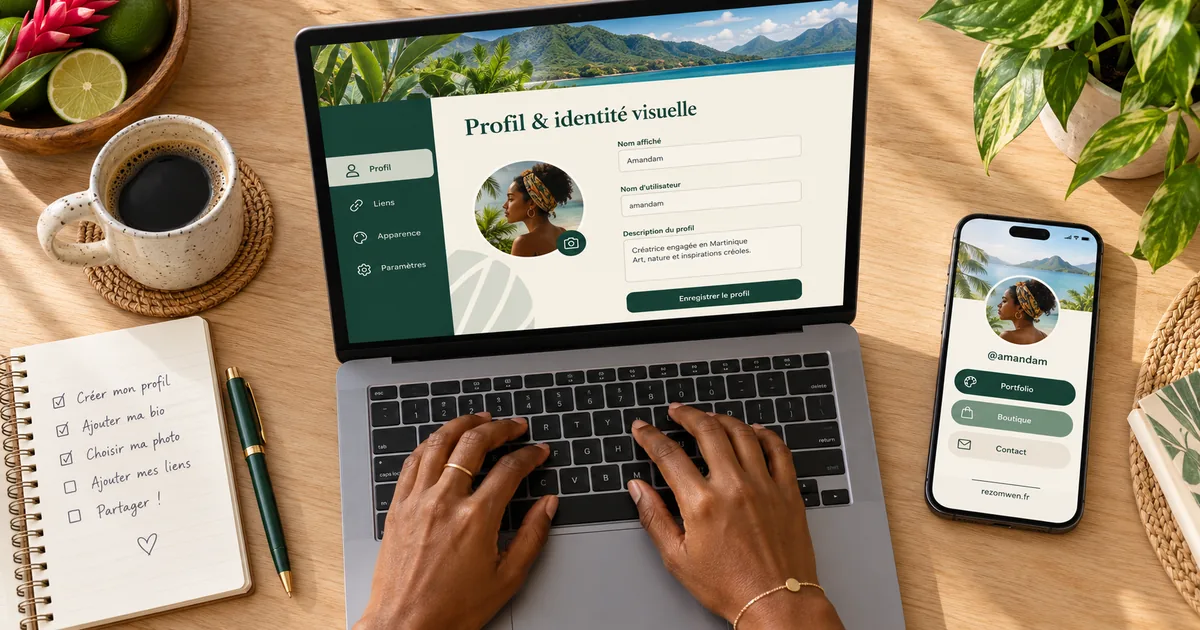
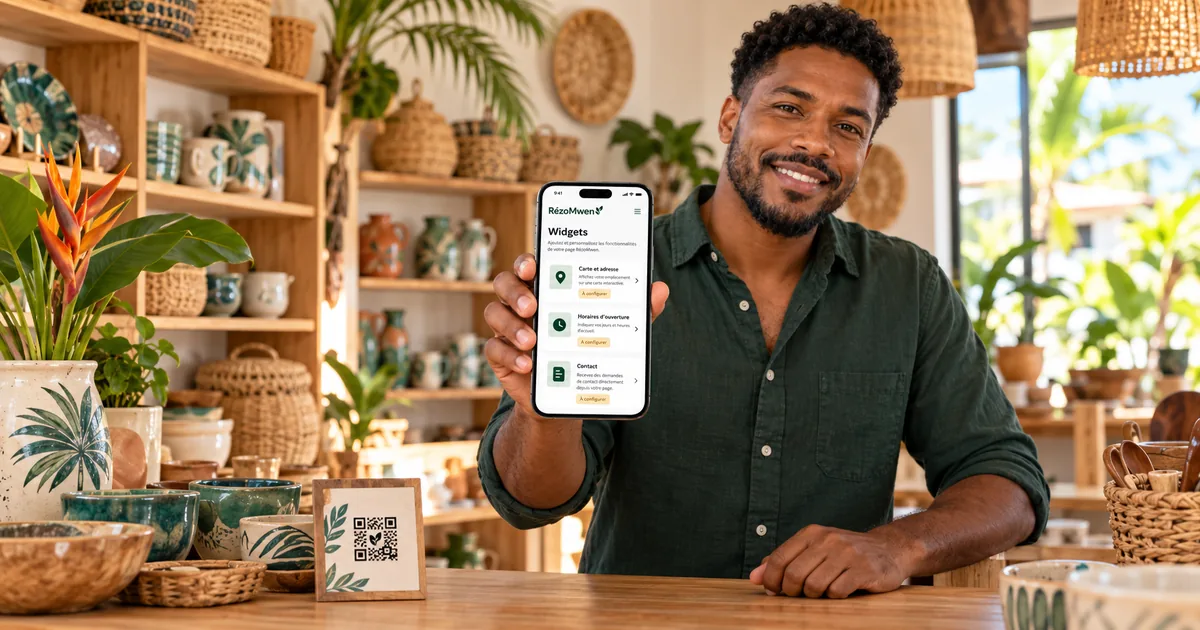
A RézoMwen page is not a showcase website, and that is a good thing: your visitor arrives on a phone, often from a story or a QR code stuck on a door, with three questions in mind. Where are you? When are you open? How do I order?
Widgets are there to answer those three questions without scrolling. Here is how to choose them when you run a shop, a workshop or a service business.
The three-question rule
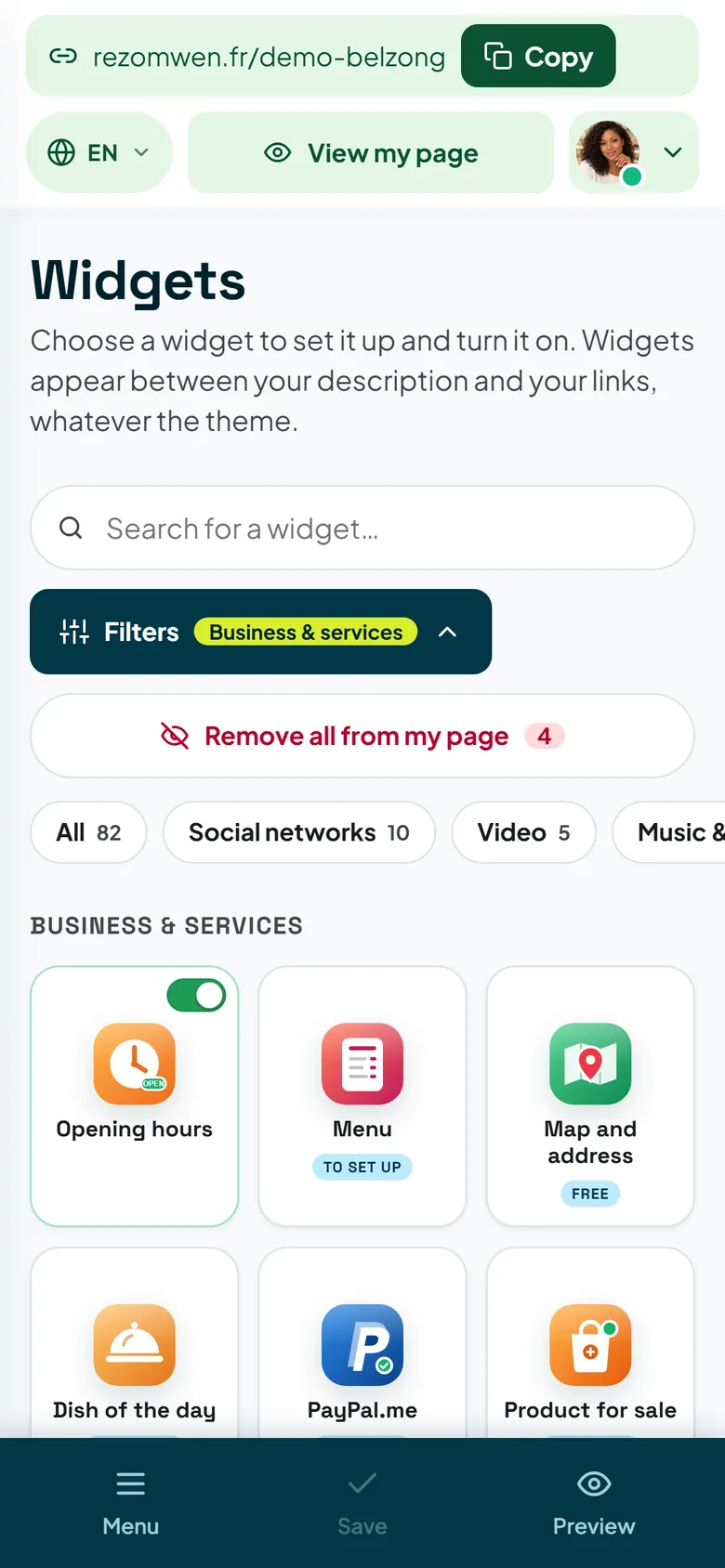
Before adding anything, put these on your page, in this order:
- Map and address — your address and how to get there;
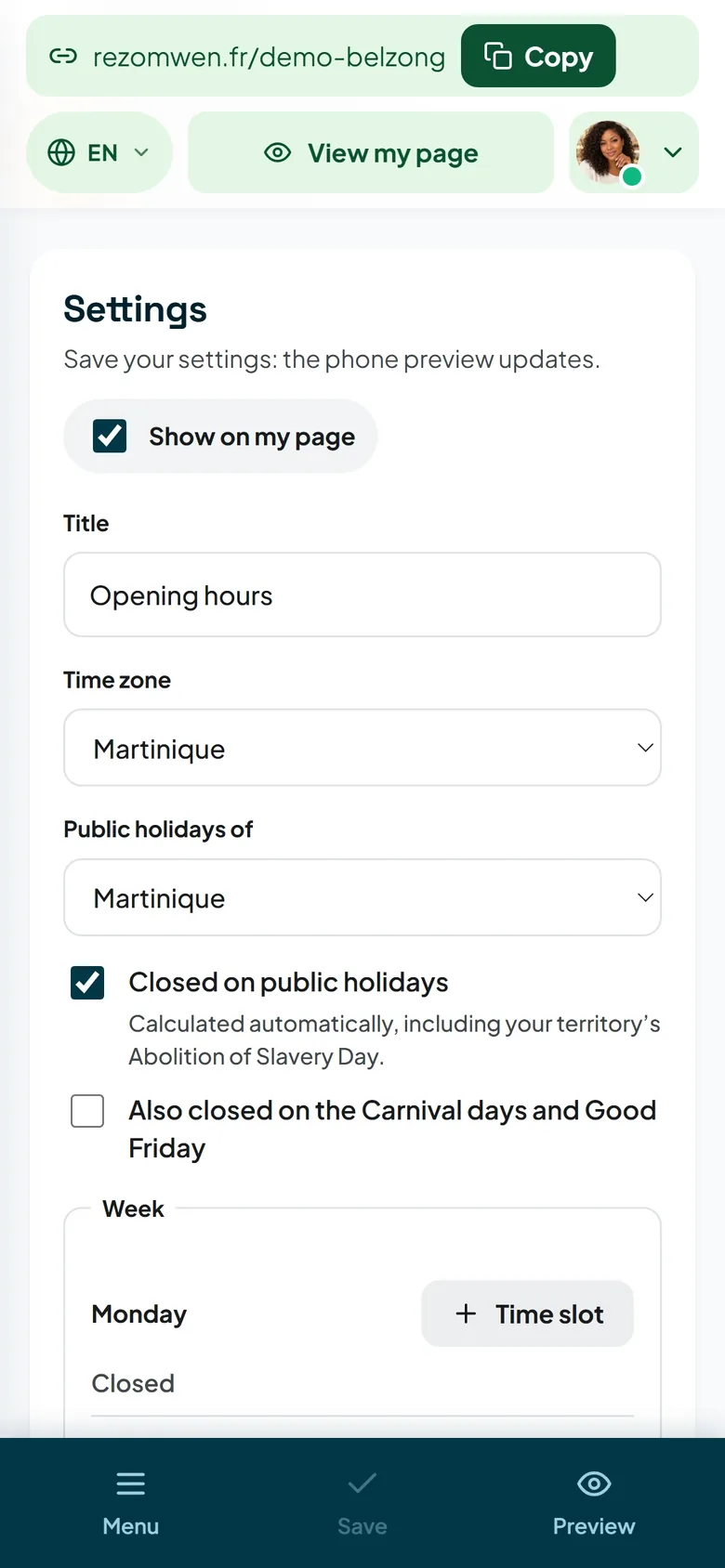
- Opening hours — your days and times, weekly closing day included;
- a way to act right away: WhatsApp ordering, Quick contact or Table booking, depending on your trade.
The rest is a bonus. A page that answers these three questions on one screen is already working for you.
Be easy to find
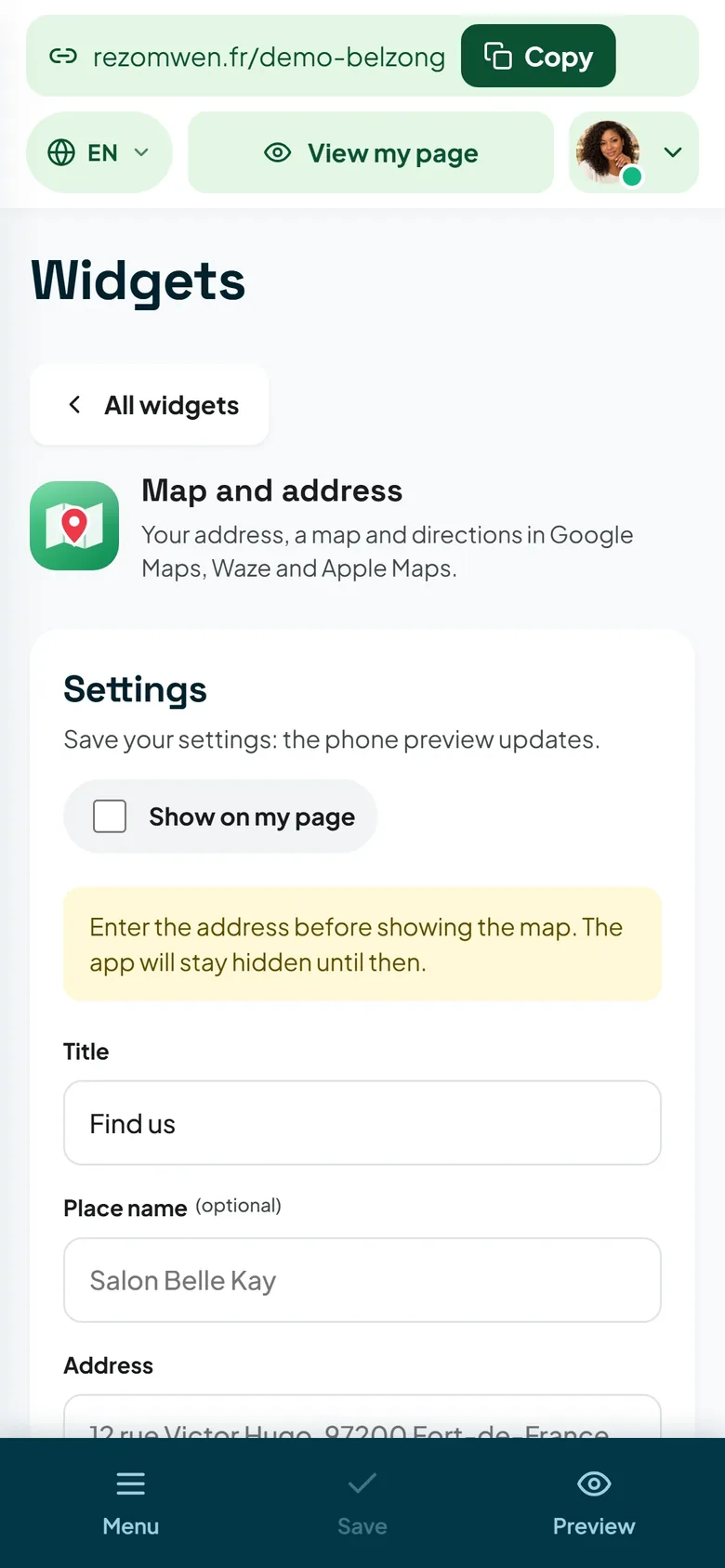
- Map and address: directions, for customers who come to you.
- Where to find us: several outlets, a market, a round — the list of places where people can find you.
- Delivery area: say straight away how far you deliver, and you will avoid just as many pointless messages.
Say what you sell
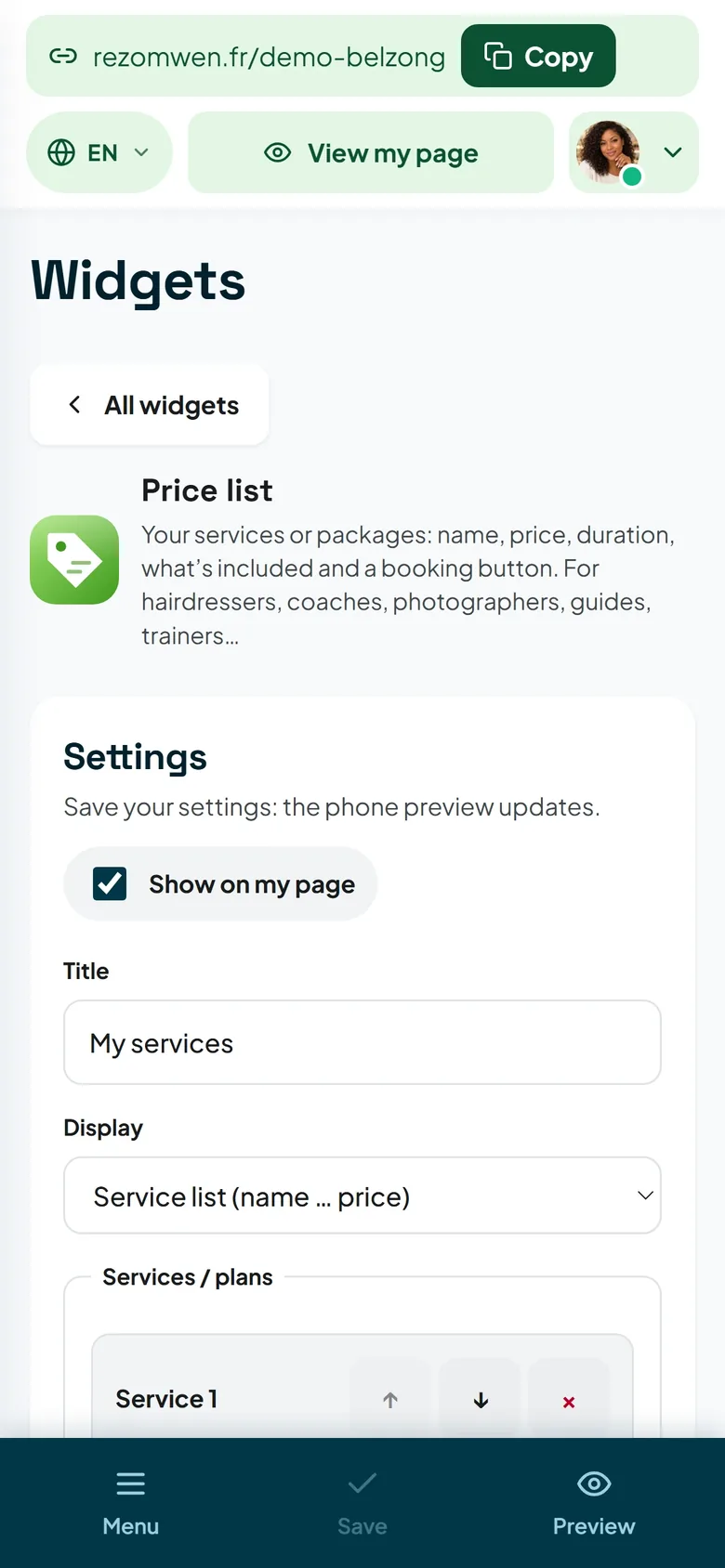
- Menu: your dishes or services with their prices, sorted by section. For a restaurant, a salon, a beauty parlour.
- Price list: the same idea for services — packages, durations, prices.
- Dish of the day: what changes every day, without redoing the menu.
- Product for sale and Shop: one item in the spotlight, or a small storefront.
- Photo gallery and Before / After: showing beats describing, especially in hairdressing, beauty, construction or car repair.
Get people to act
This is what makes the difference between a page that is viewed and a customer:
- WhatsApp ordering: the customer builds their order and sends it to you as a message, with nothing to install.
- Table booking and Book online: for restaurants.
- Booking calendar: your time slots, for appointments.
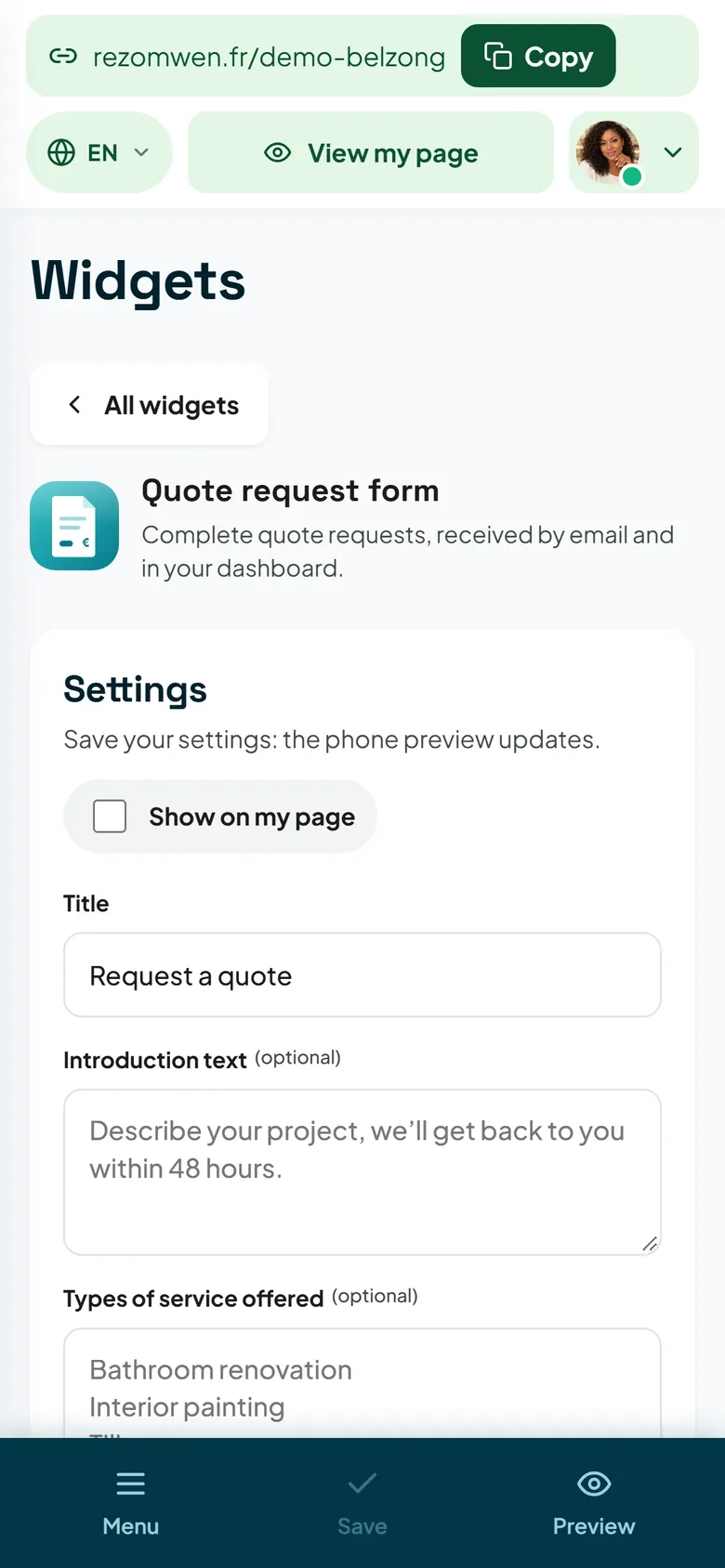
- Quote request form: the visitor describes what they need, and you reply with all the details in hand.
- Payment button, Ticketing, Fundraiser: take a deposit, sell a ticket, start a collection.
One of these widgets, well placed, does more than three decorative ones.
Reassure before the purchase
- Google reviews: your rating and your reviews, right where doubt sets in.
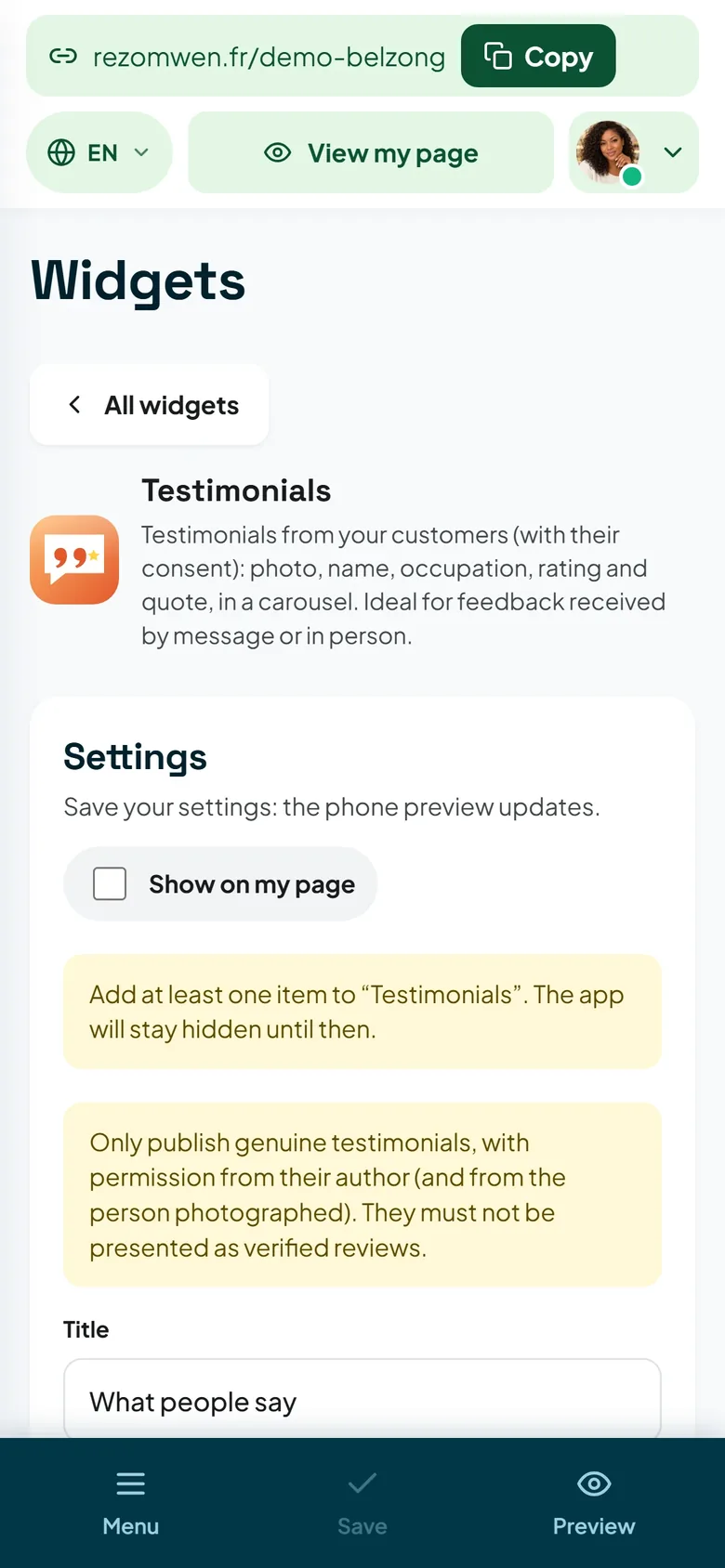
- Testimonials and Guestbook: your customers' own words.
- FAQ: the questions you are asked ten times a week — parking, payment, lead times, allergens.
- Our team, Partners / sponsors: put faces and names forward.
Stay in touch
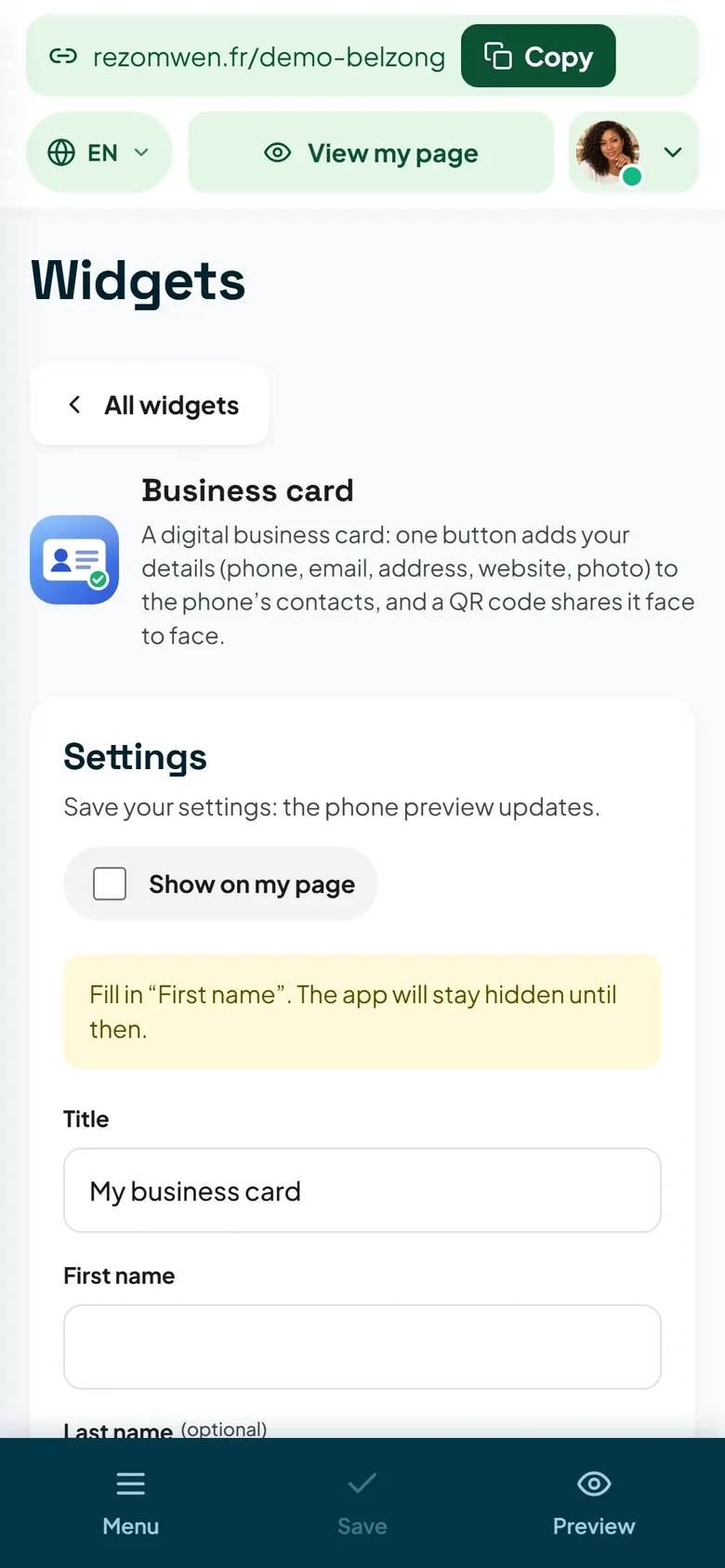
- Business card: the visitor saves your contact details in one tap.
- Add to my calendar: for an event, a market, a tour date.
- Newsletter: build a list that belongs to you, rather than depending on a social network.
- Promo code, Wi-Fi code: two small touches that get noticed.
- News / mini blog: short updates, without running a full blog.
Three common mistakes
- Too many widgets. Four to six are enough. Beyond that, nobody scrolls to the bottom any more.
- Out-of-date information. Wrong opening hours are worse than no opening hours at all: remember public holidays and time off.
- A widget with no follow-up. A form nobody reads, a booking that gets no reply: better to remove it.
In what order, and how many?
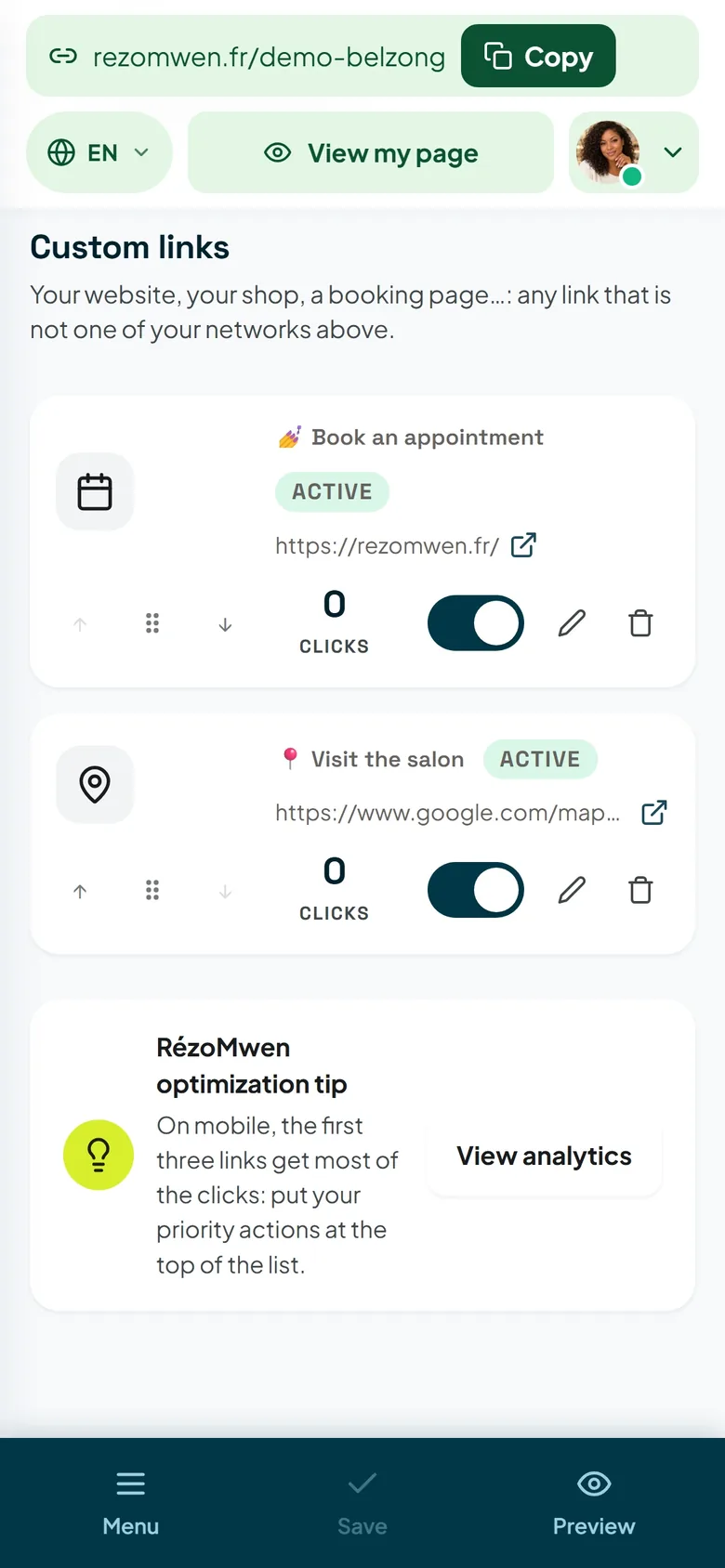
Arrange them from top to bottom: action first — order, book, call —, practical information next — opening hours, map —, proof last — reviews, gallery. Then look at your page on your own phone: whatever is not visible before the first scroll should be a choice, not an oversight.
Finally, measure. The Statistics & clicks screen in your dashboard shows your page visits and the clicks on each link: after two weeks, you will know which widget is working and which one is just taking up room.
The Widgets page lists everything available, with the plan each one requires. And if your page is not online yet, it takes three minutes to create.