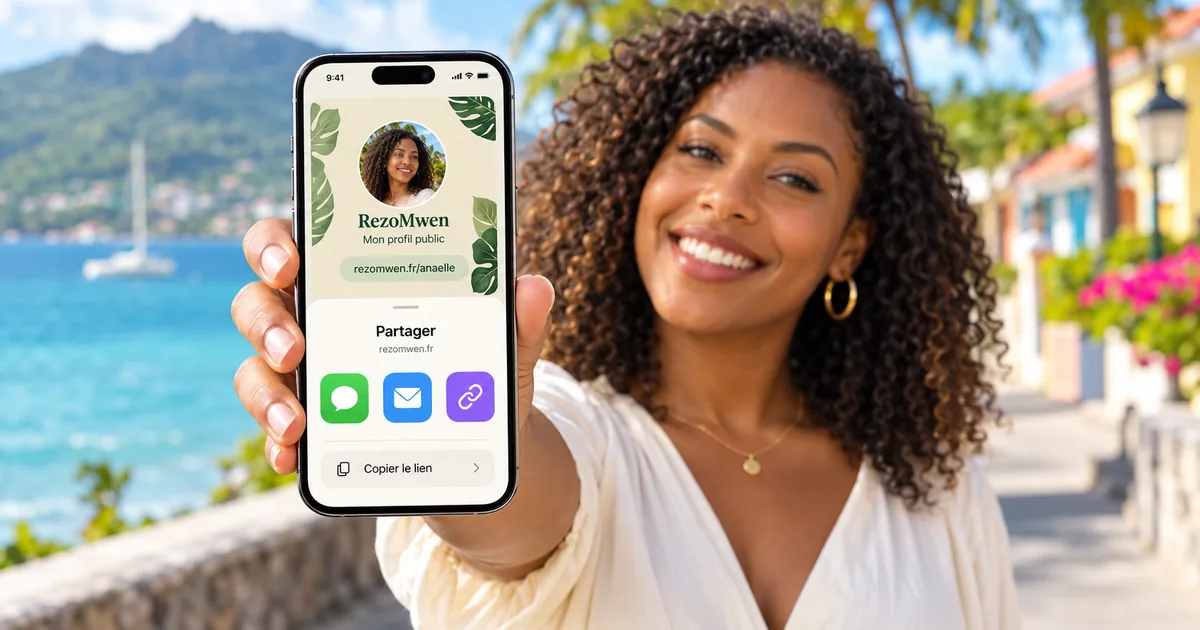
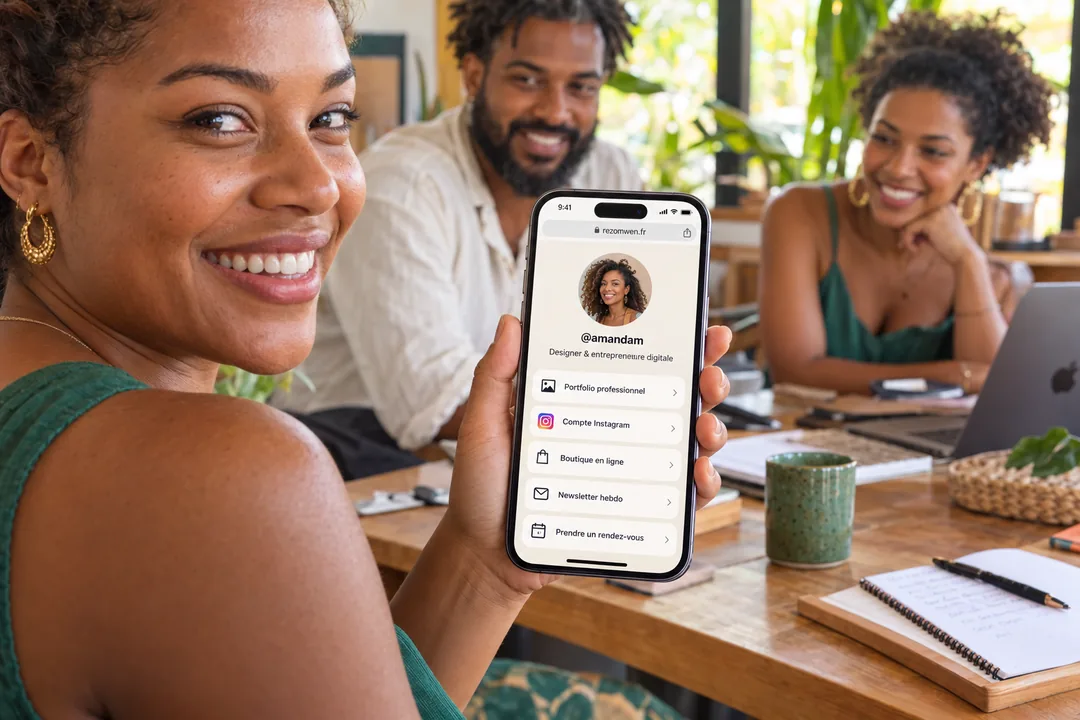
An Instagram account, an online shop, a WhatsApp number, a booking form… and only one line to put them all. A RézoMwen page solves that problem: an address in your name, all your links underneath, editable at any time from your phone.
Three minutes really is enough. Here is the detail, step by step.
Before you start: choose your address
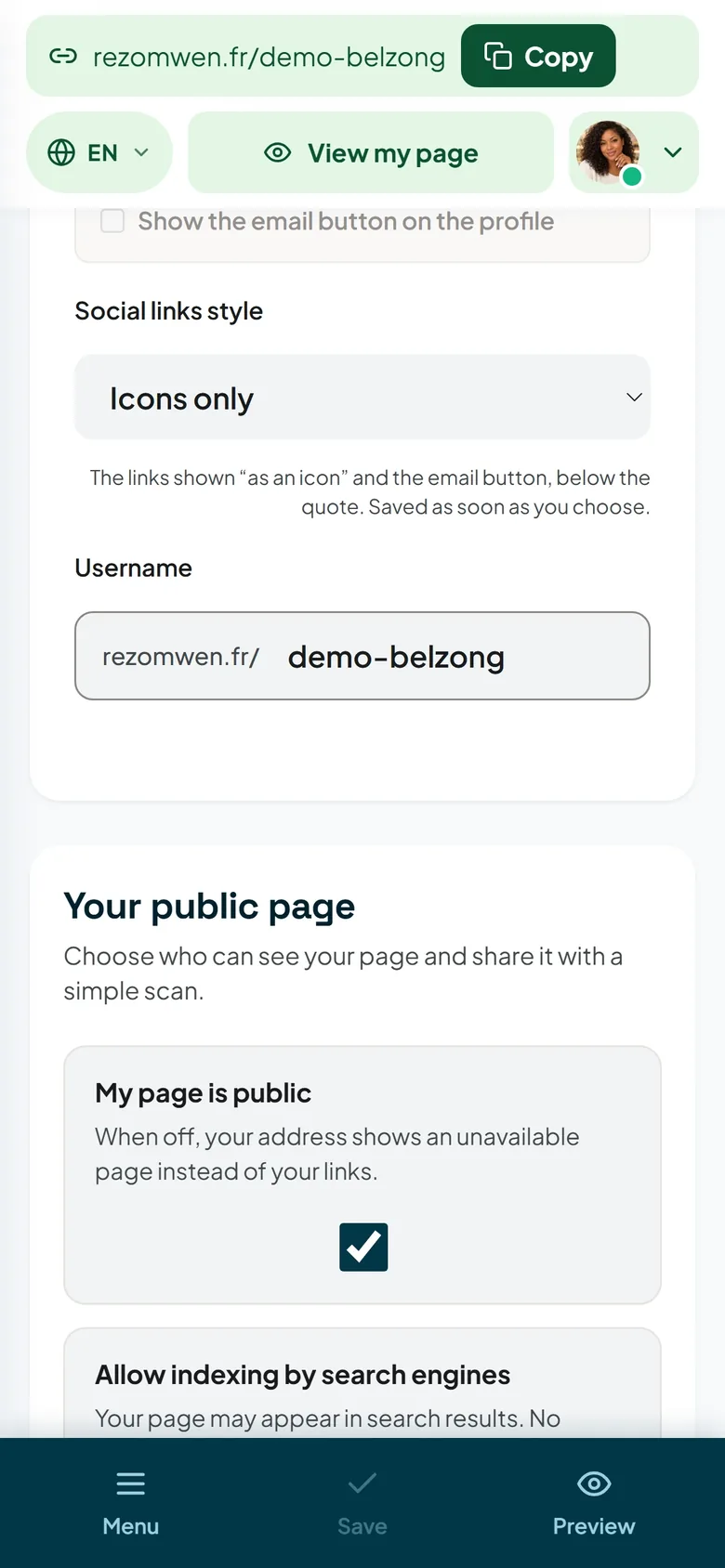
Your page will live at rezomwen.fr/your-name. This username is 3 to 24 characters long: letters without accents, numbers, hyphens (-) and underscores (_), no spaces.
- Reuse the handle your followers already know. It is the one they will type, the one they will recognise under a video or on a business card.
- Keep it short. An address is spelled out over the phone and read on a shop window.
- Avoid a date or a product name.
rezomwen.fr/chezmariewill age better thanrezomwen.fr/chezmarie-summer-2026.
You can change it later from your dashboard. Your QR code, however, points to a stable address: a poster you have already printed stays valid even after a change of name.
1. Create the account — 45 seconds
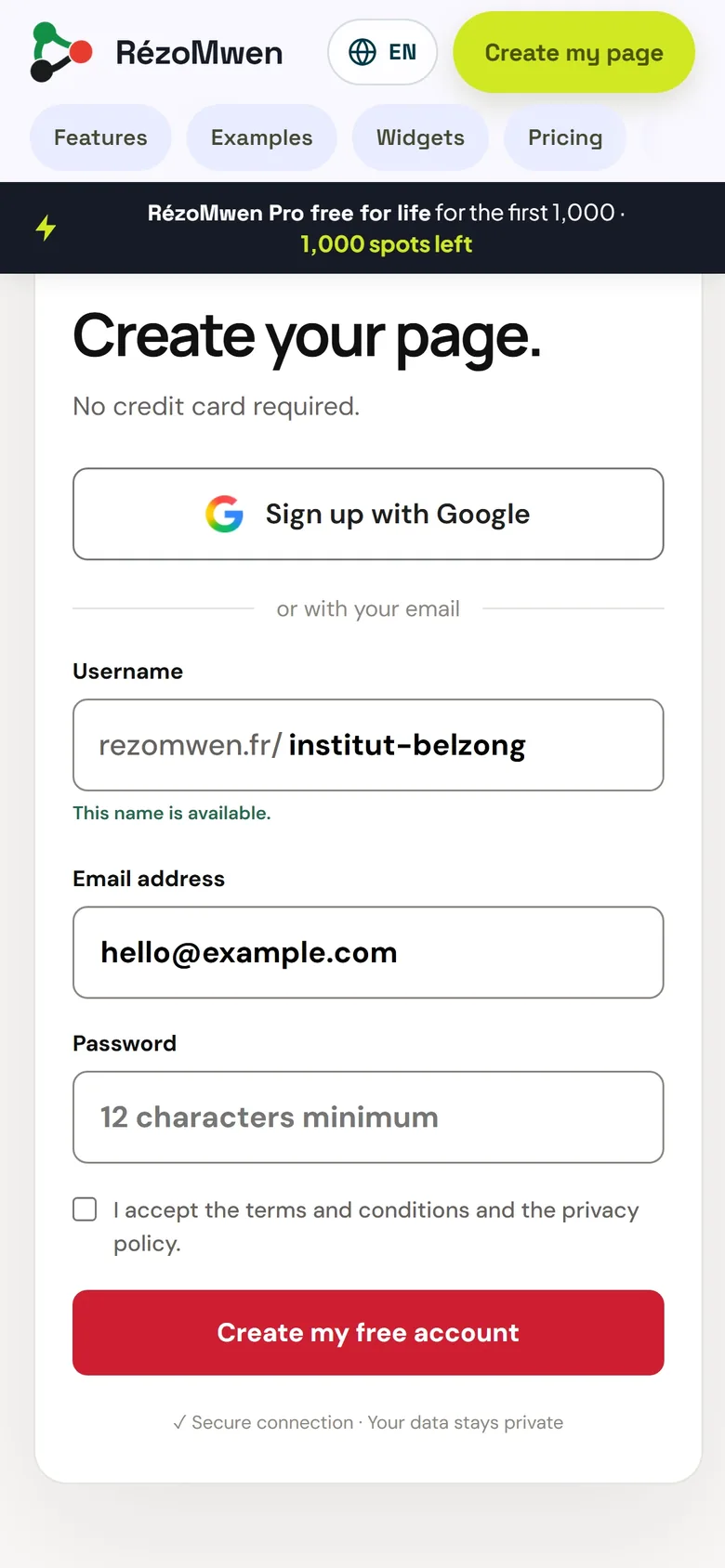
Click Create my page, then enter your email address, a password and the username you chose. You can also go through Google or Facebook if you would rather not create yet another password.
An activation email is sent straight away: open the link it contains, your account is active and your username is reserved for you. If nothing arrives within a minute, check your spam folder.
While the launch offer is open, RézoMwen Pro is free for new accounts. The Pricing page tells you where things stand today.
2. Polish the top of your page — 30 seconds
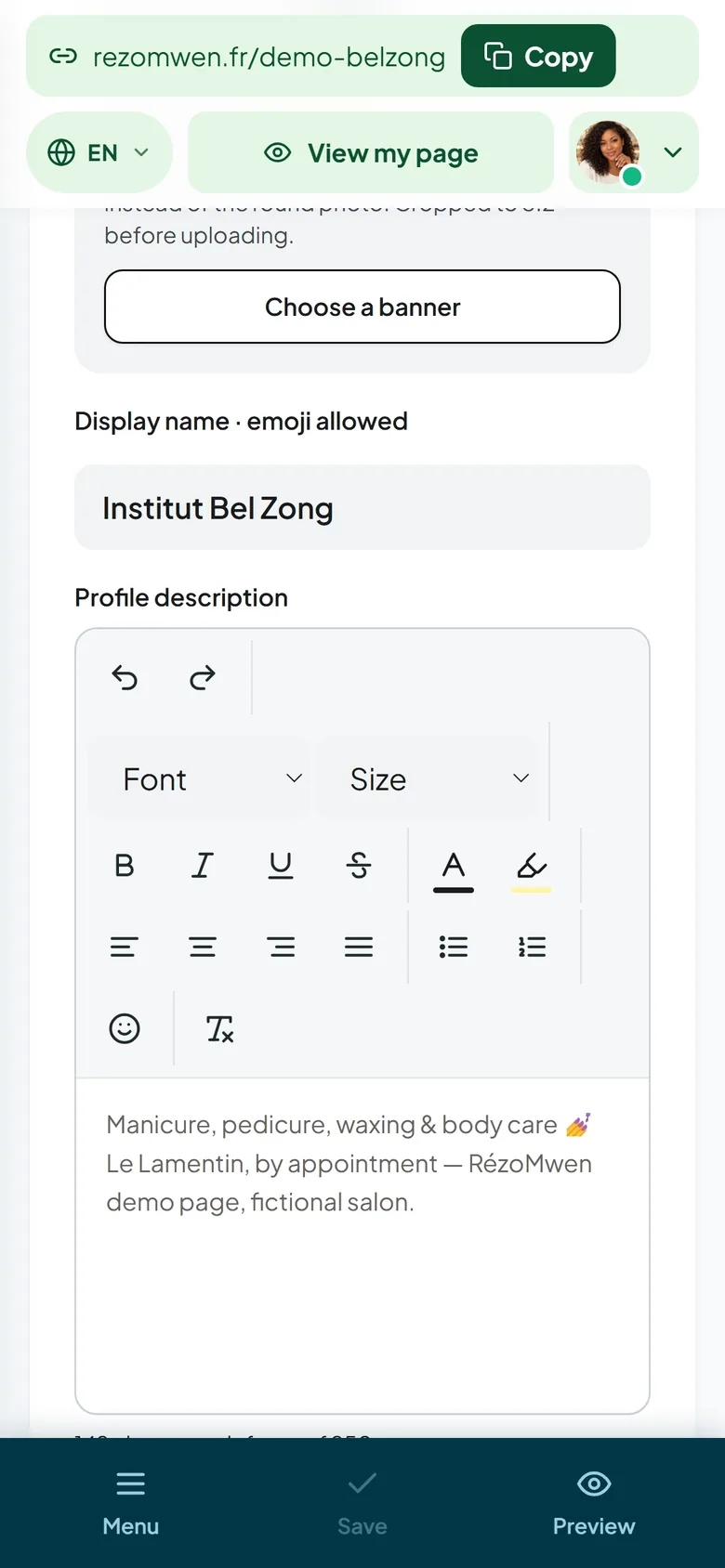
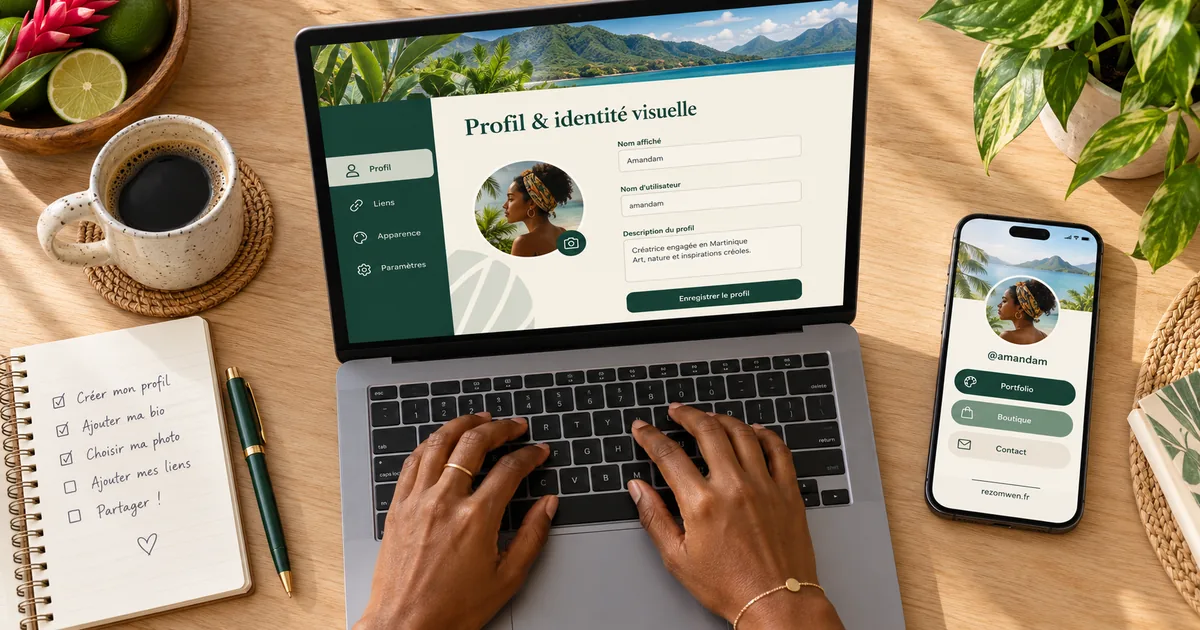
In your dashboard, Profile tab. It is the first screen a visitor will see, even before your links:
- the display name — yours or your business's, emojis welcome;
- the description, 250 characters: say what you do and for whom. "Afro hair and locs in Fort-de-France, Tuesday to Saturday" beats "Passionate since forever";
- the photo — a sharp face or logo, cropped in the editor before uploading;
- the public email address, if you want a contact button without showing your address in plain text.
The photo, the animated photo, the banner and the description are part of RézoMwen Pro. The preview, on the right of the screen, updates live: you see exactly what a visitor will see.
3. Add your first links — 60 seconds
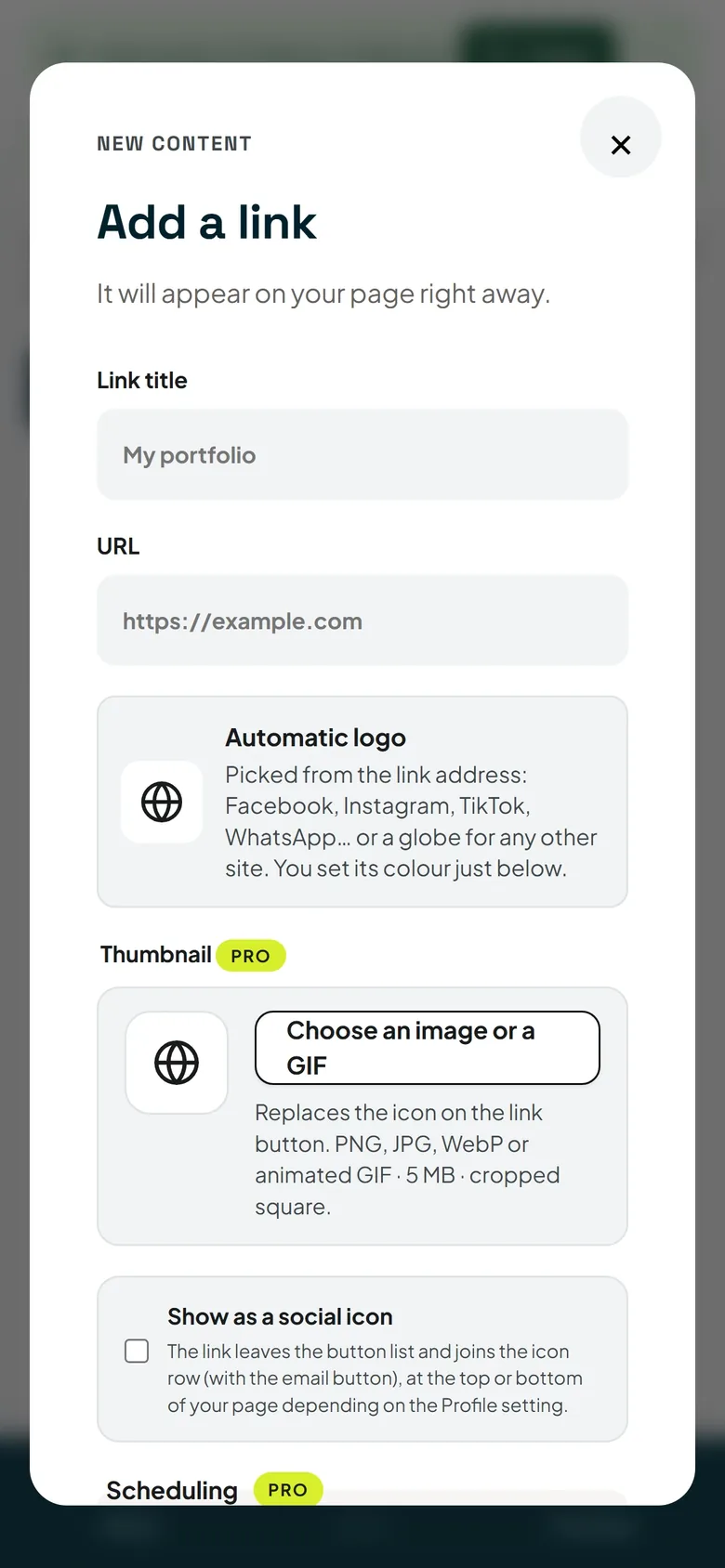
My links tab, Add a new link button: a title, an address, and the link appears on your page immediately. Repeat for each destination.
- Three to five links to start with, not fifteen. A page that fits on one screen gets read; a page you have to scroll gets closed.
- Titles that state the action: "Book a table", "See the catalogue", "Message me on WhatsApp".
- Order matters: the most important link at the top. Everything can be rearranged by drag and drop.
- Your social media accounts can be shown as icons, in a compact row, rather than as big buttons: your useful links keep the room.
The number of links depends on your plan: the Pricing page gives the current limits.
4. Style the page — 30 seconds
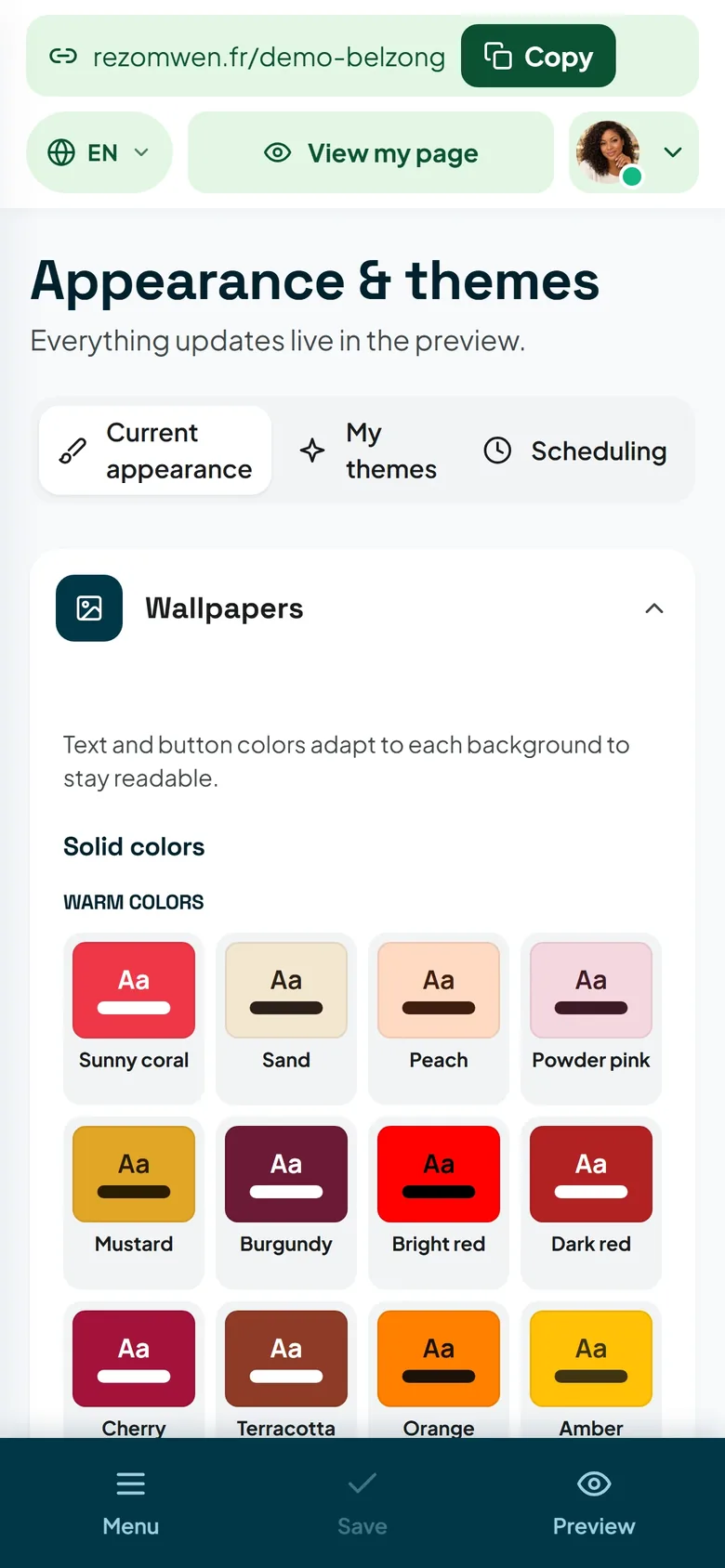
Appearance & themes tab. Start with a ready-made wallpaper: one click, and it already looks clean. Only then, if you feel like it: your colours, your background image, the font, the shape of the buttons, page effects — these fine settings are part of Pro.
One piece of advice that applies to every page: a calm background, readable text. Visitors come for a link, not for a design showcase.
5. Check and share — 15 seconds
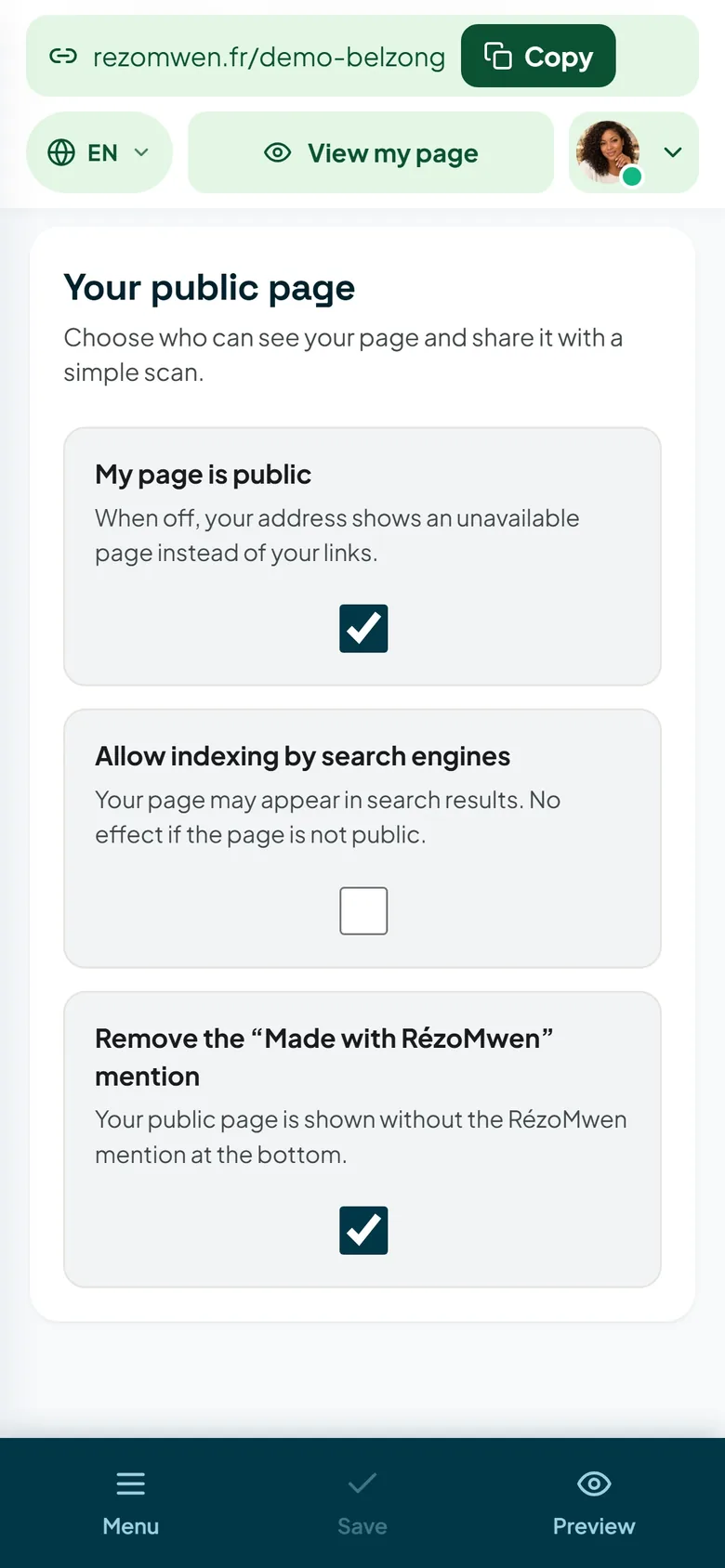
QR code & visibility tab:
- My page is public must be switched on, otherwise your address shows an unavailable page;
- Allow indexing by search engines lets your page appear in search engines; you are free to keep it out of the results;
- Test the link opens your page as a visitor would;
- download your QR code: as SVG for printing, sharp at any size, and as a 1024 × 1024 PNG for social networks and messaging apps.
All that is left is to paste your address where your visitors already are: that is the subject of the article Share your link on Instagram, WhatsApp and TikTok.
What next?
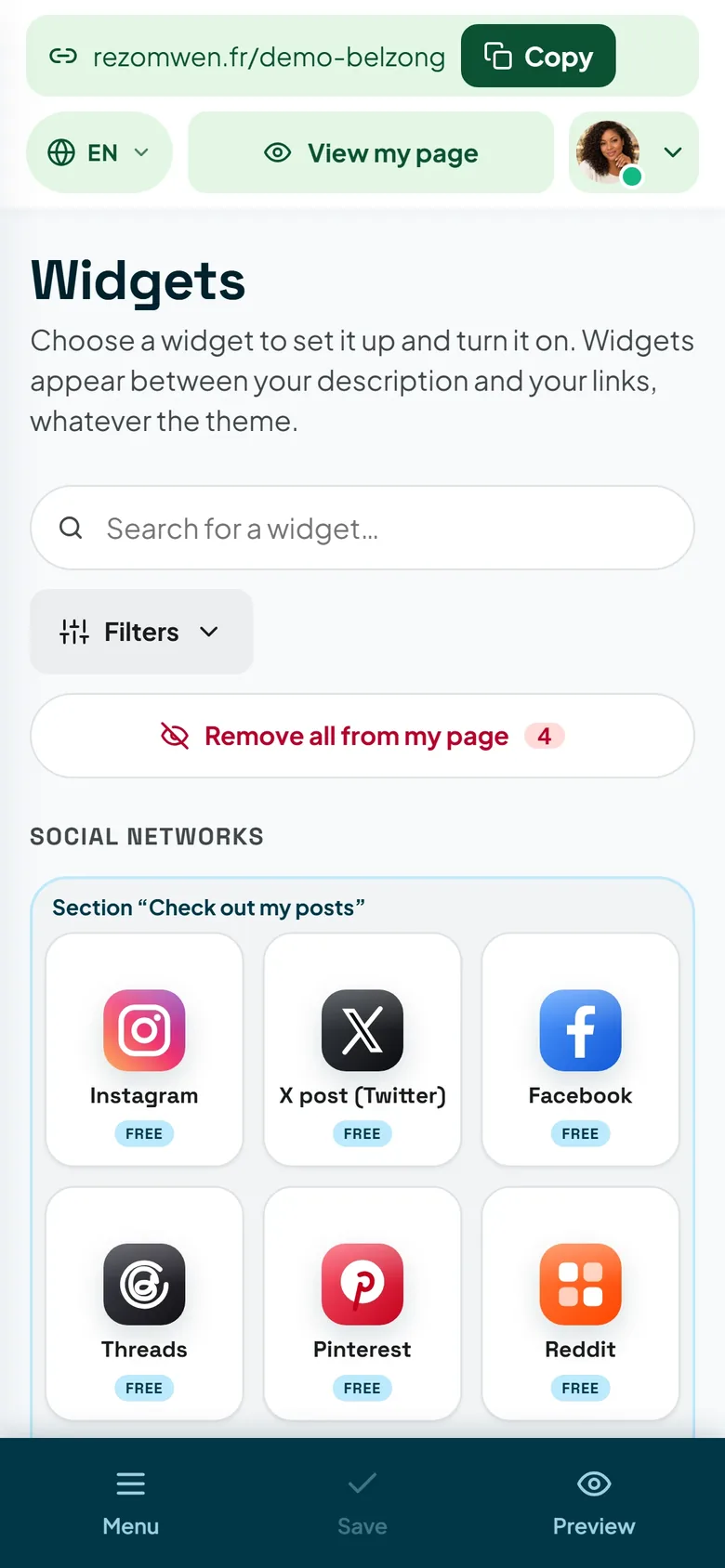
Your page works. Widgets add what a simple link cannot do: opening hours, map, gallery, form, booking, payment… The Widgets page lists them all, with the plan each one requires. For a local business, start with the ones that really help.
The three minutes in a nutshell
- Choose your username.
- Create the account and open the activation email.
- Display name, description, photo.
- Three to five links, the most important at the top.
- A wallpaper.
- Public page, QR code downloaded, address shared.